One payment request. Their choice.
Get Paid.
Their Way.
Create one Beam, share it by link or QR,
and let them choose
the payment service they already use.


Available now for iPhone and Android.
BeamMe does not hold or process your payment funds.
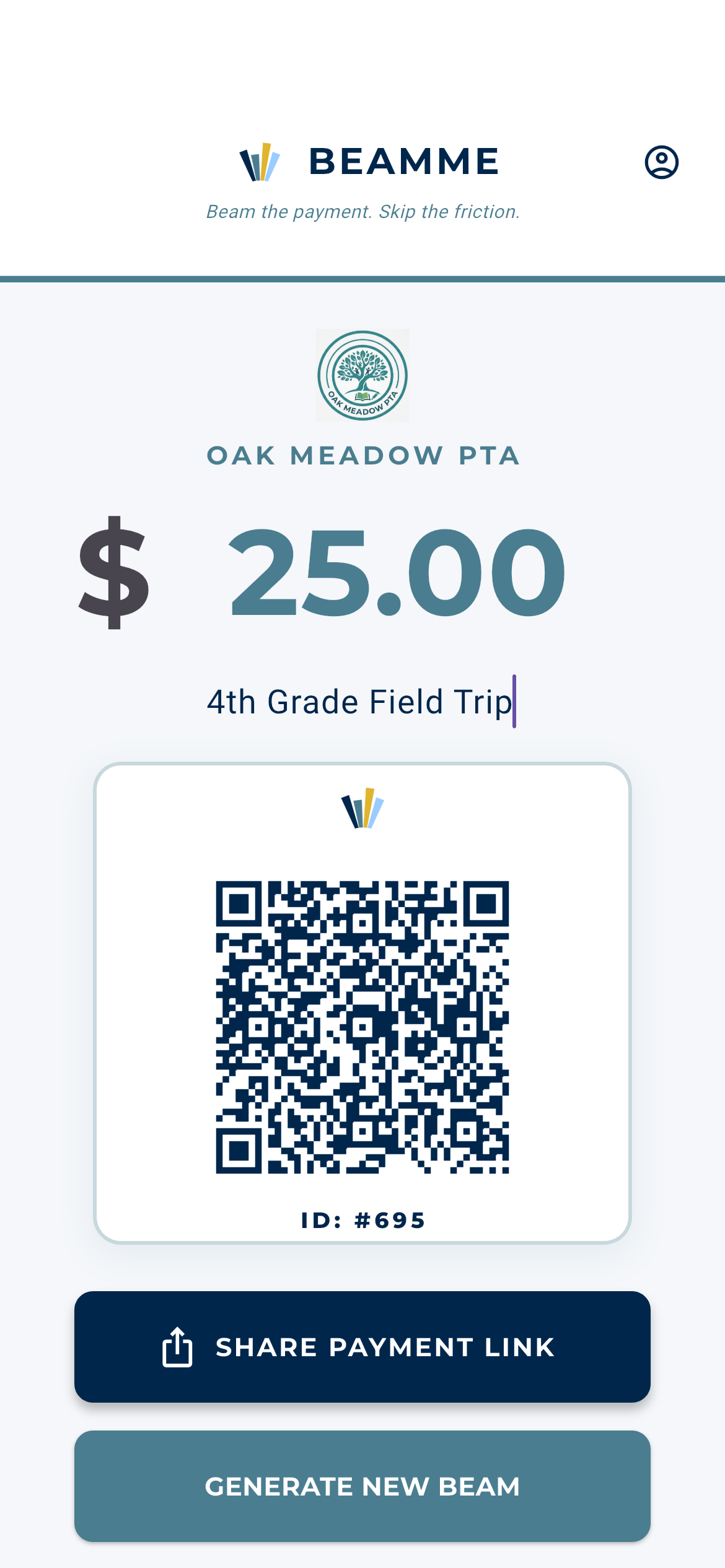
One Beam
Enter the amount and what it's for once.
Share or Scan
Send the link or show the QR code in person.
Their Choice
They pick from the payment options you've enabled.
How BeamMe Works
From request to payment in three simple steps.
No special hardware. No printed payment signs.
No asking someone which payment app they happen to have.
1
Create the Beam
Enter the amount, add a note,
and BeamMe creates one payment request
using your configured payment options.
2
Share It
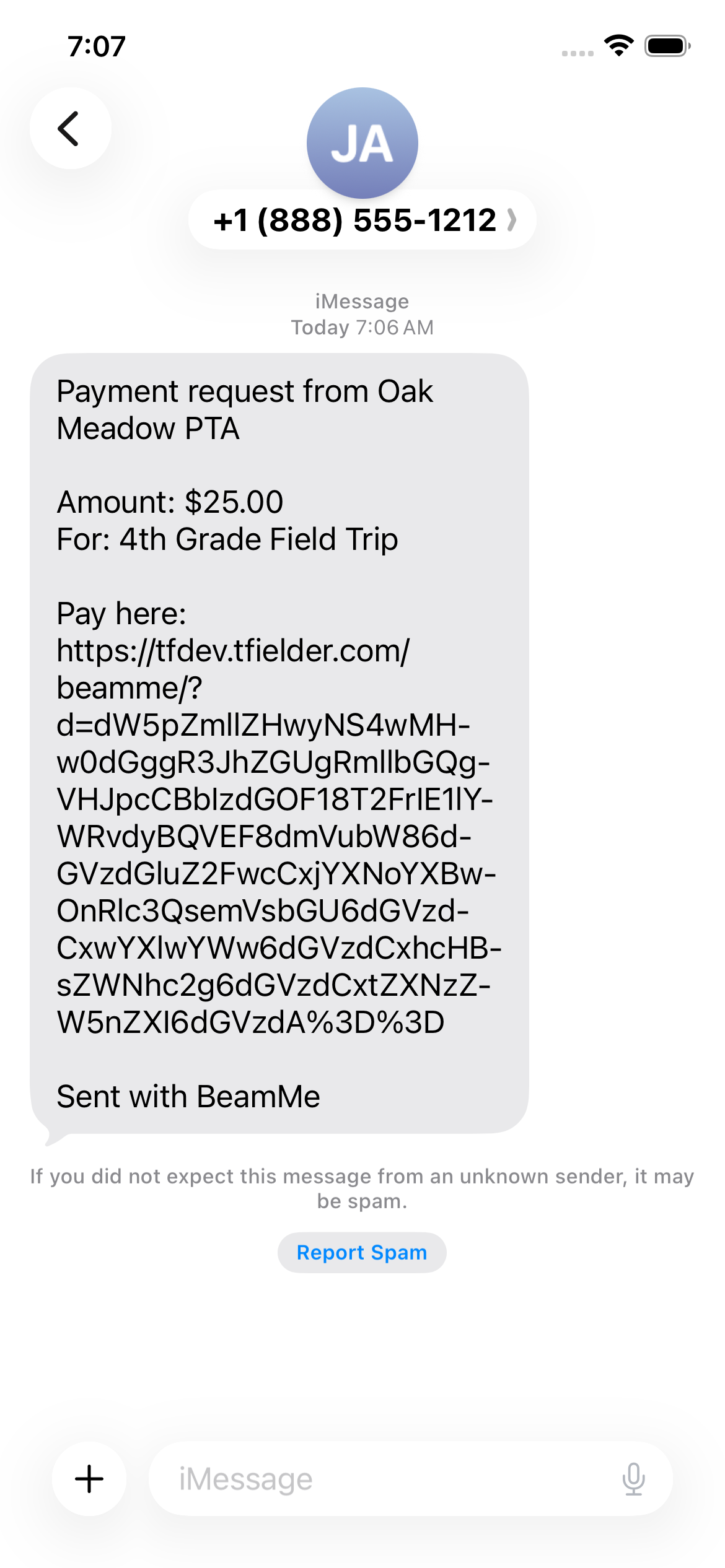
Send the Beam by text, email or any share app —
or show the QR code when you're together.
3
They Choose
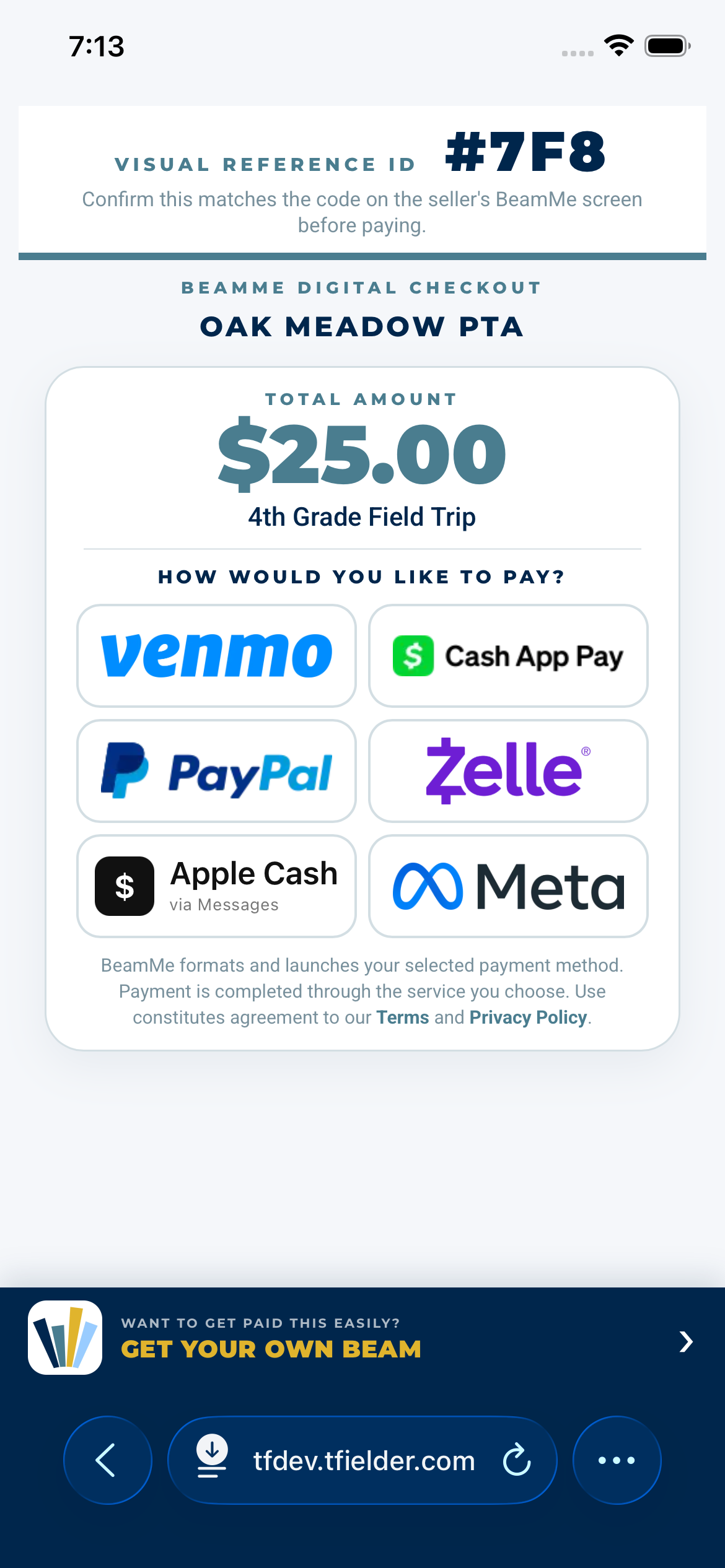
The Beam opens a simple choice page.
They select the service they prefer
and finish the payment there.
Same Beam. Same transaction.
This Oak Ridge PTA example follows one $25 field-trip payment
from creation, to text message, to the parent's payment choices.
Stop asking, “Which payment app do you use?”
Set up the services you accept. BeamMe presents those choices to the person paying you.



Apple
Cash
Cash

Available choices depend on the payment services
the Beam sender has configured.
Payments are completed through the selected third-party service.
Who Is BeamMe For?
Pretty much anyone who needs to get paid.
BeamMe is a simple bridge between someone
who needs to collect money and someone who needs to send it.
PTAs, Clubs & Groups
Field trips, dues, events, team expenses and collections.
Friends & Families
Trips, shared expenses, group gifts and neighborhood sales.
Freelancers & Services
Deposits, project payments, appointments and one-off jobs.
Sellers & Small Businesses
Markets, booths, side hustles and lightweight checkout.
Why BeamMe?
Payment choices without the payment-app dance.
BeamMe doesn't try to become another place where your money lives.
It simply makes the payment services people already use
easier to present, share and choose from.
✓
One request instead of multiple handles
Stop sending separate usernames or asking which service someone has.
✓
Works face-to-face or remotely
Show the QR when you're together or share the same Beam link anywhere.
✓
No dedicated payment terminal
Your phone becomes the starting point without another POS device.
✓
The payer stays in control
They see the amount and available choices before continuing.
A Simple Visual Check
Match the code before you pay.
For in-person payments, BeamMe shows the same Visual Reference ID
on the sender's screen and the payer's Beam.
The payer can confirm the codes match before continuing.
BeamMe formats and routes the payment request. The actual payment is completed through the service the payer selects.
BeamMe formats and routes the payment request. The actual payment is completed through the service the payer selects.
VISUAL REFERENCE ID
#64C
When paying face-to-face,
confirm this matches the sender's BeamMe screen.
Need help with BeamMe?
Have a question about setting up your payment options,
creating or sharing a Beam, signing in,
or managing your BeamMe account?
We're here to help.

Create one Beam.
Let them choose.
Whether you're collecting field-trip money,
getting paid for a job, splitting an expense
or running a small business,
BeamMe makes the request simple.